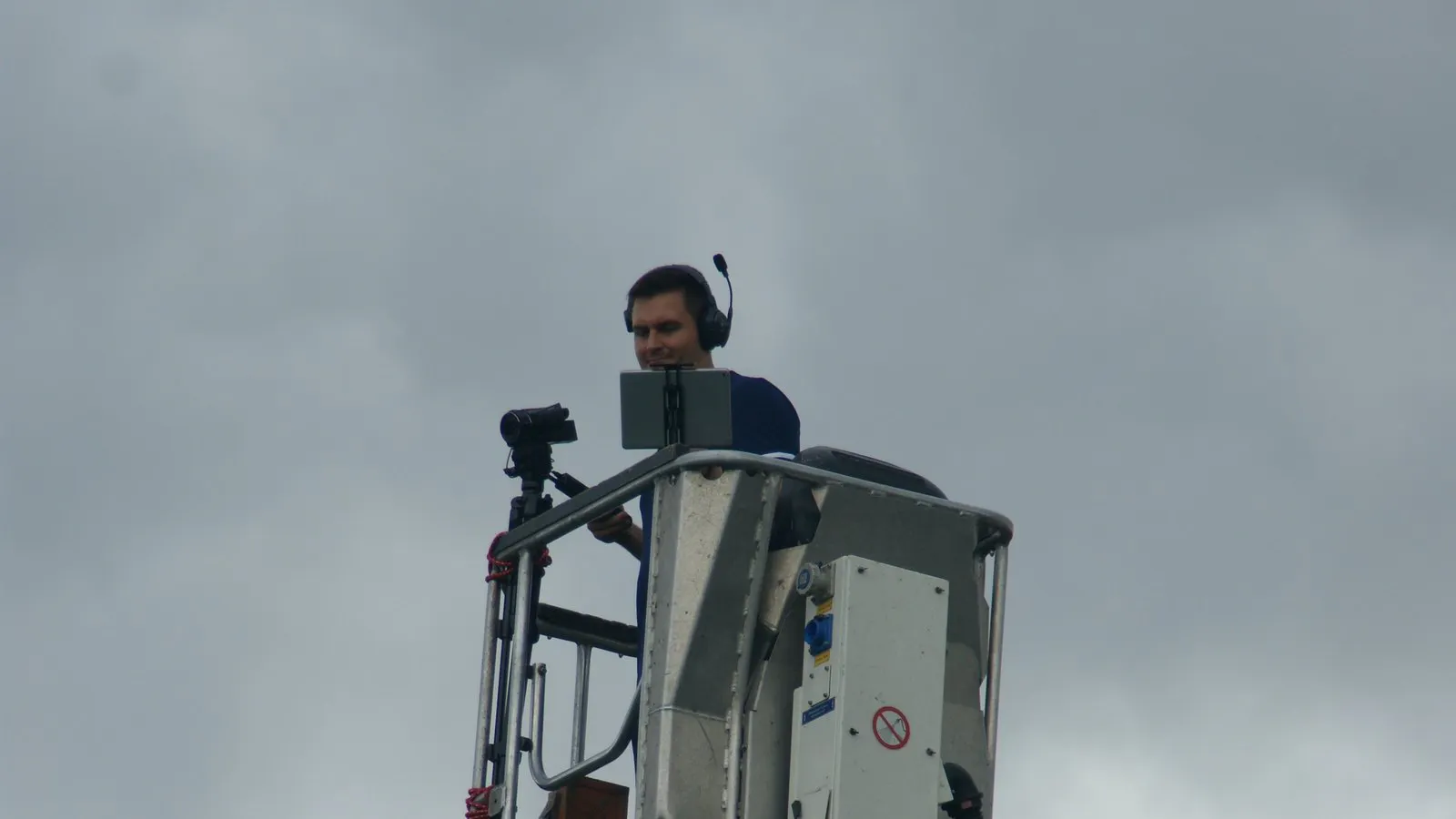
Automatic cameras have brought regular video recording to amateur sport. Instead of one person with a tripod, an AI camera now films the entire game and pans along on its own. Many clubs then ask themselves: Do we have video analysis now? The honest answer: You have the recording. The analysis starts after that.
What do AI cameras deliver?
Automatic camera systems mainly solve one problem: nobody has to film anymore. The systems differ in what happens after the recording (according to the manufacturers, as of October 2026):
- Veo Cam 3 / Veo Go: camera follows the play, auto-highlights; AI events (goals, shots, corners) in football, rugby and lacrosse. Model: hardware plus subscription with recording hours per month.
- XbotGo: AI tracking via smartphone mount, auto-highlights. Model: one-time purchase, app with lifetime access.
- Pixellot: automatic production and highlights. Model: hardware plus platform.
- Hudl Focus: permanently installed or portable cameras, automatic upload to Hudl, livestream depending on model. Prices on request.
Important for clubs outside football: according to the manufacturer, Veo offers the full feature set with AI events only for football, rugby and lacrosse. For many other team sports such as handball, field and indoor hockey, ice hockey, basketball or volleyball, the Follow-Cam, player and drawing tools are available, but no automatic event detection. Analytics and livestreaming are available for football only.
Why is a recording not yet an analysis?
Because the video alone doesn't solve the actual problem: coaches remember only fragments of what happened in the game. In one study, qualified football coaches correctly recalled only about 59% of the key moments of a half despite their own notes (Laird & Waters, 2008). More on this: Why your gut feeling deceives you.
Even more revealing is an older study by Franks and Miller (1991): coaches’ recall improved through structured observation training – simply watching match videos brought no significant improvement. Video is therefore a raw material. Only systematic observation turns it into usable knowledge.
This is exactly what sports science calls performance analysis: match actions are recorded using predefined categories so that coaching teams have objective information instead of memories (Hughes & Franks, 2004).
What makes video analysis systematic?
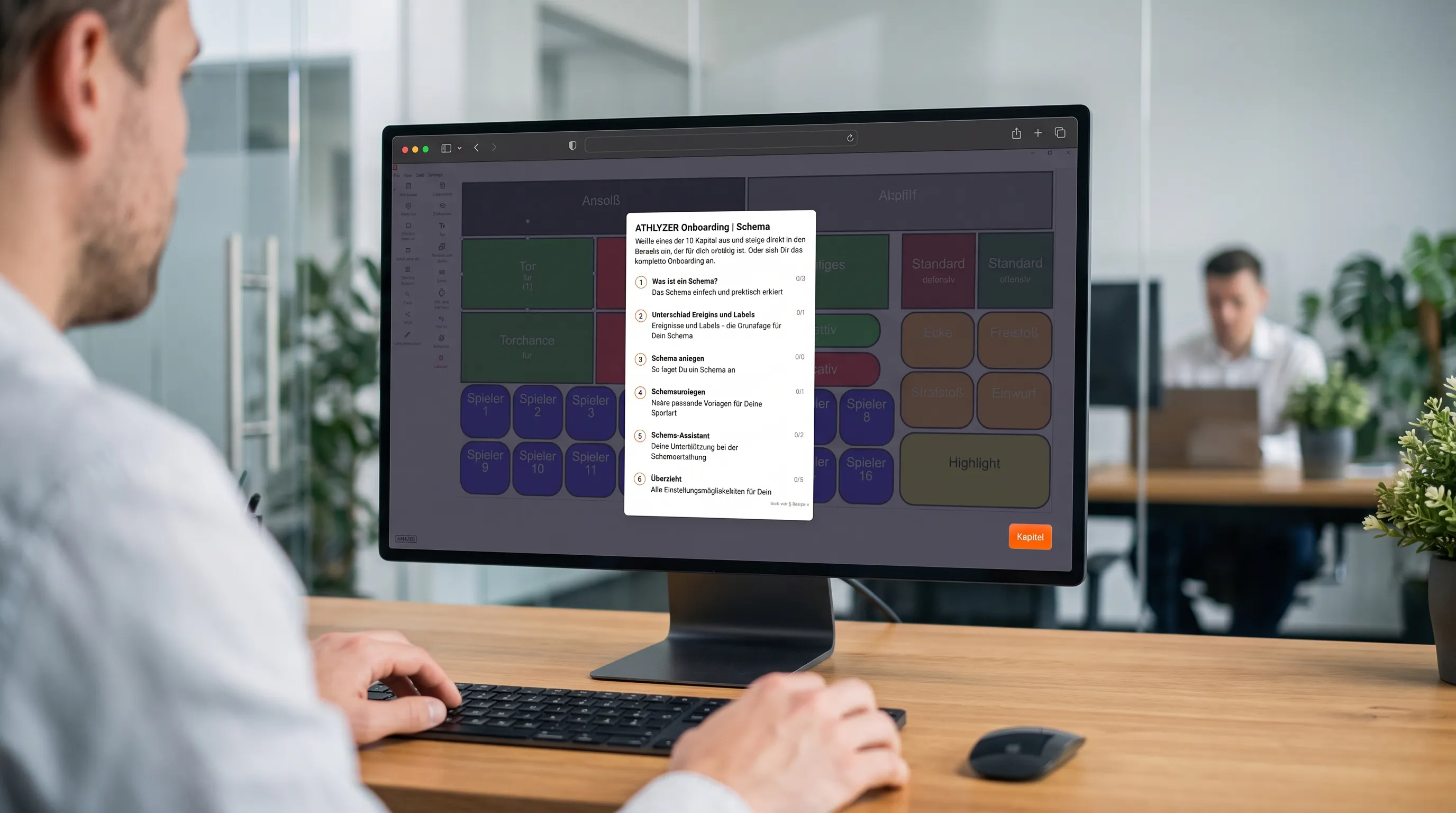
Four steps separate analysis from “watching video”:
- Define your question and performance indicators. What do you want to know? For example: How often do we win the ball back within five seconds of losing it? Performance indicators should fit your own game model (Hughes & Bartlett, 2002).
- Create a coding scheme with clear definitions. Every category needs an unambiguous definition, otherwise everyone on the coaching staff tags something different. Good definitions are a prerequisite but don't yet guarantee reliability (O’Donoghue, 2007) – check it within your team, for example by having two people tag the same sequence.
- Capture scenes – live or after the game. With live tagging you mark scenes during the game and save time later.
- Prepare the feedback. According to a survey of experienced youth coaches, whether video feedback works depends on the context, the way it is presented (selection, length, sequence) and the intended goal (Groom, Cushion & Nelson, 2011). A few well-chosen clips are often more effective than a full game.
Where do automatic events reach their limits?
Automatic event detection is handy for standard situations. But it recognises what is the same for every team – not what defines your game model. Whether your press was triggered correctly, whether your rest defence held or whether the pivot in handball was played free – you capture that with your own categories.
There are two more points you should know:
- Sport: AI events are not available for every sport (see above).
- Export: According to Veo support, recordings can be downloaded as MP4 – but only the Follow-Cam view, and the recording must be assigned to your team. Drawings and analytics data are not exported.
How do you combine an AI camera and analysis software?
The workflow is simpler than many think. A Veo recording can be imported into ATHLYZER like any other video file:
- Record the game with the camera of your choice.
- Download the video as MP4 (in Veo's editor or Clubhouse).
- Import it into ATHLYZER – on Windows, Mac, iOS or Android.
- Code it with your own tagging panel, e.g. by phases of play, set pieces or individual player actions. For football there is a scheme template as a starting point.
- Create playlists and draw runs and spaces directly into the video. Automated playlists save time.
- Share with the team – in a video session or via link for individual feedback.
By the way, it also works without an AI camera: a tablet or an action cam is enough to get started. More on this: Which camera do I need for video analysis?
What do you really need?
- Record games, highlights for social media, livestream: an automatic camera may be enough.
- Analyse and discuss scenes according to your game model: analysis software with your own coding scheme.
- Both – without having to film yourself: AI camera plus analysis software.
- Getting started on a small budget: tablet or action cam plus analysis software.
FAQ
Can I analyse Veo recordings in ATHLYZER?
Yes. You download the recording as MP4 and import it like any other video file. Veo's own drawings and analytics data are not carried over.
Do I need an AI camera for video analysis?
No. An AI camera saves you the filming. For analysis, any recording of usable quality is enough, including from a tablet or smartphone.
Does automatic event detection replace tagging?
If at all, only for standard events. You have to define the categories that reflect your game model yourself.
Does this work outside football too?
Yes. ATHLYZER is used in handball, ice hockey, field hockey and inline hockey, among other sports. Especially where cameras don't offer AI events, your own tagging scheme is the decisive step.
Where is the data stored?
ATHLYZER uses servers in Germany and works in compliance with the GDPR.
How much does ATHLYZER cost?
From €33 per month with annual billing. You can try all plans free for 30 days, no credit card required. Details on the pricing page.
Conclusion
An AI camera is a good start – but no substitute for analysis. The added value comes when you capture scenes according to your own criteria and bring them back into training in a targeted way. Whether the footage comes from Veo, a tablet or an action cam is secondary.
Analyse your next recording with your own tagging panel: Try ATHLYZER free for 30 days, no credit card required · Book a demo
Sources
- Franks, I. M. & Miller, G. (1991). Training coaches to observe and remember. Journal of Sports Sciences, 9(3), 285–297. https://doi.org/10.1080/02640419108729890
- Groom, R., Cushion, C. & Nelson, L. (2011). The delivery of video-based performance analysis by England youth soccer coaches. Journal of Applied Sport Psychology, 23(1), 16–32. https://doi.org/10.1080/10413200.2010.511422
- Hughes, M. D. & Bartlett, R. M. (2002). The use of performance indicators in performance analysis. Journal of Sports Sciences, 20(10), 739–754. https://doi.org/10.1080/026404102320675602
- Hughes, M. & Franks, I. M. (Eds.) (2004). Notational Analysis of Sport (2nd ed.). Routledge.
- Laird, P. & Waters, L. (2008). Eyewitness recollection of sport coaches. International Journal of Performance Analysis in Sport, 8(1), 76–84. https://doi.org/10.1080/24748668.2008.11868424
- O’Donoghue, P. (2007). Reliability issues in performance analysis. International Journal of Performance Analysis in Sport, 7(1), 35–48. https://doi.org/10.1080/24748668.2007.11868386
- Veo: pricing, features by sport, download · XbotGo · Pixellot · Hudl Focus – accessed 19 October 2026